
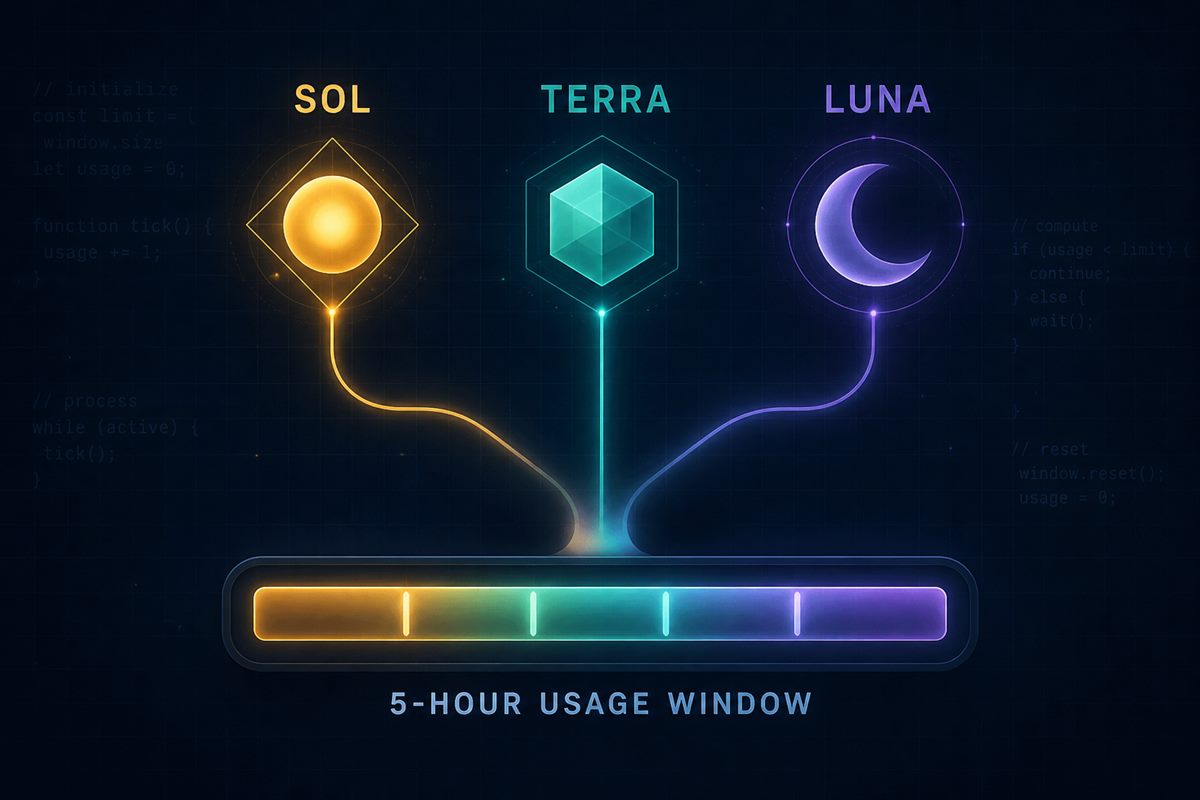
Codex usage overview — Plus/model facts checked October 6, 2026. Codex uses a variable allowance, not one fixed prompt quota or guaranteed runtime. Five-hour estimates apply to Plus and Standard Business; Pro plans currently have no five-hour limit. Weekly limits may still apply. Check the usage dashboard or CLI /status for your account.
Current Plus / Standard Business estimates (October 6, 2026): OpenAI lists 5–45 local messages per five hours for GPT-6 Astra, 15–160 for GPT-6.1 Sol, 15–150 for GPT-6 Sol and 350–3,000 for GPT-6 Luna. These are variable estimates, not fixed quotas or runtime promises; cloud work may use more allowance.
How long can Codex run? OpenAI does not publish a fixed hours-per-task runtime. If a user reaches the limit during an active turn, the agent may finish that turn subject to fair-use limits; starting more work depends on remaining plan capacity, credits or API-key usage.
If you need the plan/surface decision rather than raw limit estimates, use the ChatGPT Plan & Model Checker.
Access troubleshooting: OpenAI now says Astra requires Codex CLI 0.153.0 or newer. In the desktop app, update to the latest available version before treating a missing model as an account-access problem.
Five-hour capacity: Plus / Standard Business and Pro
The table below applies to Plus and Standard Business seats, not Premium or credit-based workspace arrangements. Estimates verified October 6, 2026 against OpenAI pricing.
| Model | Plus / Standard Business local-message estimate / 5h | Practical use |
|---|---|---|
| GPT-6 Astra | 5–45 | Hardest uncertainty and demanding work |
| GPT-6.1 Sol | 15–160 | Complex, repeated professional work |
| GPT-6 Sol | 15–150 | Another capable Work/Codex option |
| GPT-6 Luna | 350–3,000 | Focused, repeatable tasks |
OpenAI model documentation places GPT-6.1 Sol, GPT-6 Sol and GPT-6 Luna in Work/Codex, not normal Chat. GPT-5.6 Sol, Terra and Luna remain available during rollout; Terra is part of that older family, not a GPT-6 model. Eligibility does not guarantee your account/client/workspace already shows a model. API-key access follows separate API availability and billing.
Pro correction checked October 3, 2026. OpenAI pricing says Pro plans have no five-hour cap.
| Plan | Five-hour limit | Remaining constraints |
|---|---|---|
| Pro $100 | No five-hour limit | Included allowance and possible weekly limits |
| Pro $200 | No five-hour limit | Included allowance and possible weekly limits |
Tier labels rechecked October 6, 2026: OpenAI lists Pro $100, $200 and $500. Pro $200 has changed allowance and a grandfathering window; the old 5x/20x labels are not universal current multipliers. The checker currently represents $100/$200 only and does not assess $500 or Ultrafast.
This does not make Pro unlimited. Eligible users can use additional credits after reaching included limits.
The Plus / Standard Business figures are estimates, not guaranteed message quotas. OpenAI says local messages and cloud chats share plan allowance, similar-looking tasks can consume different amounts, and weekly limits may also apply.
The durable lesson is more important than today’s exact numbers:
Use expensive inference for uncertainty. Use cheaper models for repetition.
Why Astra can drain the limit faster
OpenAI identifies several factors that affect Astra usage:
- task complexity;
- input size;
- output size;
- reasoning settings;
- Fast mode.
A prompt is therefore not a fixed unit. Asking for one targeted edit is not equivalent to asking an agent to inspect a repository, plan a feature, edit many files, run tests, recover from failures and produce a long report.
Work and Codex: do not assume separate Astra pools
OpenAI says ChatGPT Work follows the Codex usage structure. Current pricing also says local messages and cloud chats share plan allowance.
That means moving a high-compute job between Work and Codex should not be treated as a guaranteed way to create a fresh independent allowance pool.
Use the account’s actual usage dashboard as the source of truth for the limits currently shown to you.
The biggest waste: Astra as the default worker
Most projects mix hard and easy tasks.
Example:
- choose architecture — hard;
- rename labels — easy;
- diagnose a strange production failure — hard;
- update repetitive templates — easy;
- review a risky migration — hard;
- update documentation — easy.
Sending all six jobs to Astra spends scarce capacity where it adds little value.
Astra should normally own the decisions where stronger reasoning changes the result.
Use a two-pass strategy
Pass 1 — high-end model decides
Use Astra for:
- architecture;
- difficult diagnosis;
- high-risk review;
- complex research synthesis;
- implementation planning when the path is unclear;
- defining acceptance tests.
Pass 2 — cheaper model executes
Use Sol, Terra or Luna where appropriate for:
- mechanical implementation;
- repetitive edits;
- known-pattern changes;
- straightforward test fixes;
- documentation and cleanup.
Return to Astra only when execution reveals a genuinely difficult problem.
Scope the task before spending Astra
Open-ended instructions are expensive and difficult to verify.
Weak scope:
Review the whole repository and improve everything.
Better scope:
Inspect this authentication subsystem, identify the cause of this failure, propose the smallest safe fix, and stop when these named tests pass.
Before a high-compute task, define:
- problem;
- relevant subsystem/files;
- desired output;
- explicit out-of-scope items;
- acceptance criteria.
This reduces repeated context, irrelevant investigation and recovery loops.
Make the repository remember decisions
Do not spend expensive model capacity rediscovering choices that were already made.
Persistent files such as these can help:
PROJECT_STATE.md;ROADMAP.md;- architecture notes;
- acceptance criteria;
- experiment scorecards;
- source registries.
A durable project memory reduces repeated reasoning and also makes handoffs between models easier.
Break large jobs at decision boundaries
Do not split work into hundreds of microscopic prompts merely to appear economical. That can add overhead.
Split at natural boundaries instead:
- diagnose/research;
- choose approach;
- implement;
- test;
- review.
Spend Astra on the stages with the most uncertainty or consequence.
Five-hour and weekly limits are different bottlenecks
A short-window reset and a longer weekly constraint are not the same problem.
On plans with a five-hour window, a reset does not remove a weekly constraint. Pro has no five-hour window to wait for; check the dashboard for the limits that apply.
OpenAI directs users to the Codex usage dashboard for account-specific state. In Codex CLI, /status can show remaining limits during a session.
Neither the five-hour estimate nor a weekly warning is a promised runtime. Model choice, context size, reasoning, tool use, retrieval and caching all affect how much work fits inside the allowance.
When credits make sense
Credits are useful for occasional overage:
- a deadline;
- a temporary heavy project;
- an unusual burst of high-end work;
- a month where permanent upgrading would be wasteful.
Buying credits does not provide early Astra rollout access.
OpenAI says eligible Plus and Pro users can purchase additional credits after included limits. API-key work is billed separately at API rates and does not turn a ChatGPT plan allowance into a fixed quota.
If overage becomes normal every week, compare the total credit spend and lost time with a larger plan. The purchase decision belongs on PrismGist’s ChatGPT Plus vs Pro page.
A practical routing ladder
GPT-6 Astra
Reserve for the hardest tasks by uncertainty, consequence or expected value; this is a routing suggestion, not a measured performance rule.
GPT-6.1 Sol / GPT-6 Sol
Consider GPT-6.1 Sol for complex, repeated Work/Codex tasks when available; GPT-6 Sol is another supported option. Match capability to the task rather than inferring a guaranteed throughput ratio.
GPT-6 Luna
Use for focused, repeatable tasks. Keep GPT-5.6 Terra or other older models only where available and suitable during rollout.
Do not treat this as a benchmark ranking. It is a cost/capability routing strategy based on current product positioning and usage economics.
Example: building a WordPress feature
Inefficient:
- Astra researches everything.
- Astra chooses the feature.
- Astra implements every file.
- Astra repeatedly inspects production.
- Astra fixes every cosmetic issue.
More efficient:
- Astra: architecture, risks, data contract, tests.
- Sol/Terra: approved implementation.
- Automated tests: mechanical verification.
- Astra: unexpected failures or high-risk review only.
- Lower-cost model: docs and cleanup.
This illustrative workflow allocates stronger reasoning to uncertainty; no measured savings or benchmark result is claimed.
Bottom line
GPT-6 Astra offers less interaction throughput from the same Work/Codex allowance than lower-cost models, and OpenAI explicitly says it can consume allowance faster than GPT-5.6 Sol.
The sustainable answer is not “never use Astra.”
It is:
Astra handles uncertainty. Lower-cost models handle repetition. Tests handle mechanics.
Official sources
Plus/Standard Business estimates, model/surface information, CLI minimum, credits and usage-dashboard guidance checked October 6, 2026. The completed Pro correction below retains its October 3 verification date; current pricing also reconfirms no Pro five-hour limit. Tier-label changes are separately dated October 6:
- OpenAI documentation — current models and surface availability
- OpenAI documentation — Codex plans, five-hour estimates, credits and current-usage guidance
- OpenAI Help Center — ChatGPT Work and Codex
- OpenAI Help Center — Using credits for flexible usage
FAQ
Why does Astra use more of my limit than Sol?
OpenAI says Astra can use allowance faster than GPT-5.6 Sol. Actual use varies by task, input/output size, reasoning settings and Fast mode.
Is every message charged the same amount?
No. OpenAI provides estimated ranges rather than one fixed cost per prompt.
Does the five-hour limit mean Codex runs for five hours?
No. The five-hour estimates concern Plus and Standard Business usage, not task runtime. Pro has no five-hour limit. Actual capacity still varies with the model and work performed.
Do Work and Codex give me separate Astra limits?
Do not assume that. OpenAI says Work follows the Codex usage structure and current pricing says local messages and cloud chats share plan allowance.
Can I buy credits after hitting included limits?
Eligible users can buy credits for supported flexible Work/Codex usage where available.
Should I upgrade to Pro just because Astra drains Plus quickly?
Not automatically. Optimize model routing first. If limits still repeatedly stop high-value work, evaluate the upgrade on the separate Plus-vs-Pro decision page.
For the complete decision map, return to ChatGPT Plans & Models.
If the bottleneck is where the job belongs rather than its allowance, use ChatGPT Chat vs Work vs Codex.
For implementation work, define the scope and acceptance checks before spending allowance with the AI Coding Task Brief Template.
Choosing between two capable models for the same coding task? Use the GPT-6.1 Sol vs GPT-6 Astra Codex decision guide for the quality-versus-efficiency trade-off; check this page and Settings → Usage for allowance mechanics.