
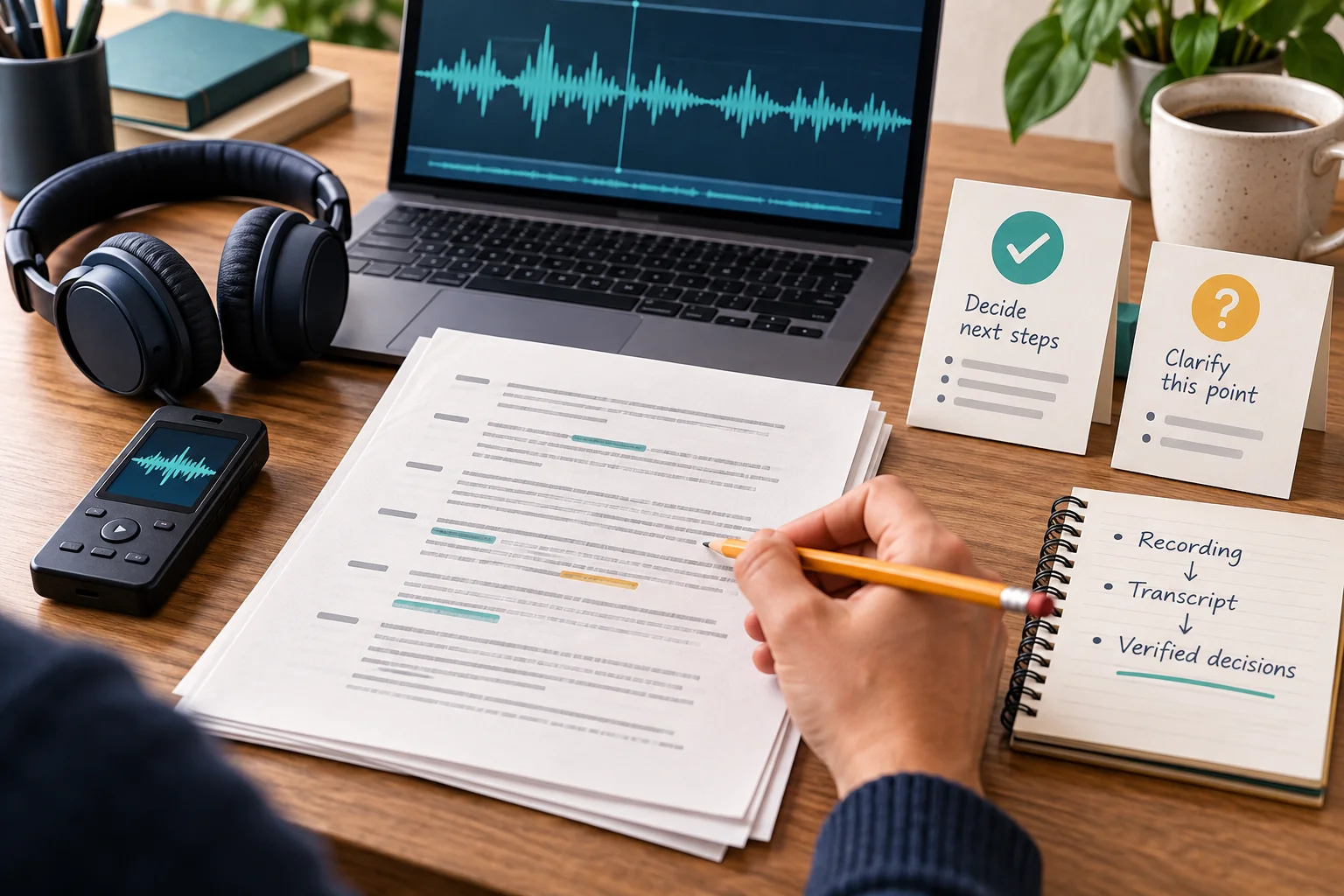
Use ChatGPT when you have permission to upload the recording, want to work with its contents, and can check the important details yourself. Keep your transcription workflow when verified wording, speaker attribution or repeatable delivery is essential. If permission or workplace security requirements are unclear, do not upload yet.
OpenAI announced audio-file uploads on October 6, 2026. The useful change for someone with an existing recording is the ability to ask for a transcript and then discuss it in the same conversation. That can help turn a personal note, interview or meeting into something usable, but a fluent recap can still misrepresent what was said. OpenAI release notes.
Official sources checked October 9, 2026. This is a source-based decision guide, not a hands-on accuracy review. The worked example below is fictional. Featured illustration generated with AI.
First check whether your file and account qualify
OpenAI currently lists audio uploads for paid subscriptions and workspaces, including Enterprise; Free is excluded. Access can vary with workspace settings, region, client version and model. Supported formats include WAV, MP3/MPEG, OGG/OGA, PCM, FLAC, AAC and M4A, plus audio-only WebM and MP4. The file needs decodable audio; a video-identified MP4 or WebM does not qualify. The audio size limit is 512 MB. Very long recordings can time out, so the limit is not a processing guarantee. API requirements are separate. See the current upload guide.
Attach an eligible recording to a conversation and state the task. This guide concerns files you already have; it does not apply the separate ChatGPT Record capture workflow or its audio-deletion rules to uploaded files. If an upload fails, check your account, supported format and actual audio stream before paying for another plan.
Use it, keep your specialist workflow, or wait?
| Your recording or requirement | Practical choice | What must happen first |
|---|---|---|
| Your own non-sensitive voice note | Try ChatGPT for a draft transcript, outline or task list. | Replay names, numbers and instructions before acting. |
| An approved meeting recording needing a recap | Try the transcript-first workflow below. | Check decisions and each action against the audio; confirm unresolved points with participants. |
| Exact quotations or verified attribution to several speakers | Keep the transcription and human-review process you already trust. | Compare the same recording before changing it. OpenAI warns that transcripts can be wrong and speaker identification unreliable. |
| Recurring delivery with required exports, timestamps or review records | Keep your existing workflow until a trial proves that every required output survives. | Write down your must-haves; check them on actual output rather than assuming an upload replaces a service. |
| Confidential/customer audio or an unclear right to use it | Wait; do not upload into a personal account by default. | Confirm permission, an approved service/workspace, retention and access requirements with the responsible person. |
A specialist tool is worth keeping if it saves correction time or supports a requirement you cannot reproduce reliably. That is a testable workflow decision, not a claim that every transcription app is more accurate or has the same features.
Permission comes before transcription
Having a file does not establish permission to share it with another service. Before uploading other people’s speech, confirm the allowed use and any recording/sharing consent. For work material, check the organization’s approved workflow, who may access the recording and notes, and how they must be retained. If the answer is unclear, ask the owner or administrator and use the approved process meanwhile.
OpenAI’s data-controls guidance says turning off “Improve the model for everyone” stops new conversations being used for training but does not delete saved chats. Business, Enterprise, Edu and Healthcare content is excluded from training by default; organizational policies still apply. Temporary chats may be retained for up to 30 days for safety. These controls do not grant permission, guarantee confidentiality or establish that a recording meets your employer’s requirements. Do not assume deleting a chat removes every separately stored file copy; confirm the retention rules for the service and storage location you actually use.
Transcript → verification → minutes and action items
- Get a draft transcript first. Ask it to preserve uncertainty and keep speaker labels provisional. Keep the original recording available for replay. Do not start by asking only for a polished summary.
- Check consequential passages. Replay decisions, commitments and disputed statements. Correct the transcript, including who said what. Leave unresolved passages marked unclear instead of silently completing them.
- Generate minutes from the corrected transcript. Separate agreed decisions, proposals and open questions. Each action should include a supporting excerpt; name an owner or deadline only when stated.
- Approve before distributing or assigning. Ask the relevant participants to resolve uncertainties. A draft meeting note must not become an instruction to spend money, change a schedule or assign someone work merely because the model formatted it neatly.
For a long recording, track which portions were actually processed. An apparently complete summary is not evidence that the entire file was covered. If processing fails or coverage is uncertain, use your approved transcription route and bring the verified text into the next step.
Two prompts you can paste now
Use the first prompt with an authorized recording. After reviewing and correcting the transcript, use the second with that corrected text.
1. Draft transcript: Transcribe this recording before summarizing it. Preserve negation, names, numbers and dates. Mark inaudible or ambiguous speech [UNCLEAR]; do not fill gaps. Use provisional speaker labels unless identity is explicit. State any portion you could not process. Include timestamps only if available and reliable; otherwise say timestamps unavailable. Do not invent timecodes or confidence scores.
2. Verified minutes: Use only this corrected transcript. Make separate sections for Decisions explicitly agreed, Proposals not yet agreed, Action items, and Open questions. For each decision and action, include a short supporting transcript excerpt. For each action, give owner and deadline only when explicitly stated; otherwise write NOT STATED. Preserve conditions such as “if approved.” Mark unresolved wording or attribution [UNCLEAR]. Do not infer agreement from a suggestion, silence or a discussion. Do not convert a proposed date into a deadline. Omit unsupported timestamps and confidence scores. Finish with a list of points a human must confirm.
The replay checklist
- Names: people, companies and product names; spelling and similar-sounding names.
- Numbers: amounts, units, currencies and decimals; “fifteen” versus “fifty.”
- Dates: day/month order and relative dates. Do not turn “next Friday” into a calendar date without confirmed meeting context.
- Negation: “not approved,” “don’t send” and “cannot commit” must retain their meaning.
- Speakers: distinguish the person proposing work from the person accepting it, especially with interruptions or overlapping voices.
- Conditions and gaps: preserve “if,” “after approval” and unanswered questions. An unassigned action stays unassigned until someone confirms it.
A fictional example: a proposal is not an assignment
Authored illustration, not an actual ChatGPT output or test. Imagine a meeting where Mira says, “We could launch on 16 October if the review passes. The extra 1,500 euros is not approved.” Leo replies, “I’ll send the revised estimate by 12 October.” Mira adds, “Someone should check the contract.”
| Item | Careful meeting note |
|---|---|
| Launch | Proposal: 16 October, conditional on review. No confirmed launch decision. |
| Budget | Extra €1,500 not approved. Do not describe it as authorized spending. |
| Estimate | Action: Leo to send the revised estimate by 12 October. Evidence: “I’ll send the revised estimate by 12 October.” |
| Contract | Follow-up suggested; owner NOT STATED, deadline NOT STATED. Confirm whether this becomes an agreed action. |
The dangerous version would say “Launch approved for 16 October; Mira to check the contract by then.” It invents agreement, ownership and a deadline. Even a perfectly spelled transcript would not justify that note.
Try one representative recording before dropping your tool
Choose a permitted recording that resembles your normal work: relevant language, typical sound quality, several speakers if that matters, and enough duration to expose your usual problems. A clean personal note can test whether upload works; it cannot establish reliability for a noisy hour-long meeting.
- Before running either workflow, record the required outputs and your acceptance rule. For example: every consequential decision and action must survive human replay, with no invented owner or date.
- Use the same file in ChatGPT and your existing approved process. Keep the draft outputs separate from your corrections.
- Check against the audio with the checklist above. Log missed content, changed meaning, speaker errors, failed sections and unavailable required outputs.
- Count your total effort: upload/processing wait, correction, speaker verification, formatting and final approval. A lower subscription bill can lose its value if review takes longer.
- Keep the existing tool if required outputs fail or correction effort rises. If the trial is useful, adopt ChatGPT for that bounded task and repeat on other representative recordings before cancelling a dependable workflow.
A sensible first adoption can be verified transcript from your existing process → ChatGPT draft minutes → human approval. You do not have to replace transcription to gain value from working with the text. For other AI decisions, browse the PrismGist AI guides. Our editorial policy explains source checks, AI assistance and the limits of examples.